This layout controls Behringer
The JN-80 is Behringer's clone of the famous Roland Juno60. It sounds so close to the original that when blindfolded you would have trouble picking between the two. Behringer have added velocity and channel-aftertouch to the keybed. This is a great addition since the original had neither, so it opens up a whole new swathe of modulation and sound design possibilities. (Note : The Behringer advertising for the JN-80 lists it as having poly-aftertouch but it is only channel or mono.)
This panel does not contain any of the controls on the front panel. It only implements functionality buried in the edit menu which can be painful to access using a shift button. This was poor design in my opinion. You shouldn't have to hit 4 buttons just to get to the LFO shape control, which is a very common control during sound design. Using a great app like Midi Designer Pro remedies this problem easily! Behringer in their ultimate wisdom implemented a solid midi interface so that all of the buried menu controls can be accessed via standard CC messages. Midi Designer Pro gives us one big panel to access all the hard to get at settings in one easy interface, making it seem as if the controls are right on the front panel!
Notes
- I opted to use the older style slide bars with named lists in place of Picker controls. The reason was aesthetic. I wanted the display to look as close to the original synth as possible. By all means, convert these controls to pickers if you find that visually easier.
- If you are having trouble getting the velocity or aftertouch to send modulation, check the Global>Keyboard settings of your JN-80. In this menu you will find settings to adjust the curves of the aftertouch and velocity controllers. I found adjusting these curves can really help with modulation sensitivity.
Ver 1.2 Changes - I've added the Voice Allocation Mode control to the panel under VOICE > MODE. Although there are buttons on the synth for this, they only let you select POLY, DUO and UNI. You need to menu dive to get to the other two > QUAD and MONO. The buttons are now easily accessible on the panel rather than fiddling with the menus.
Images
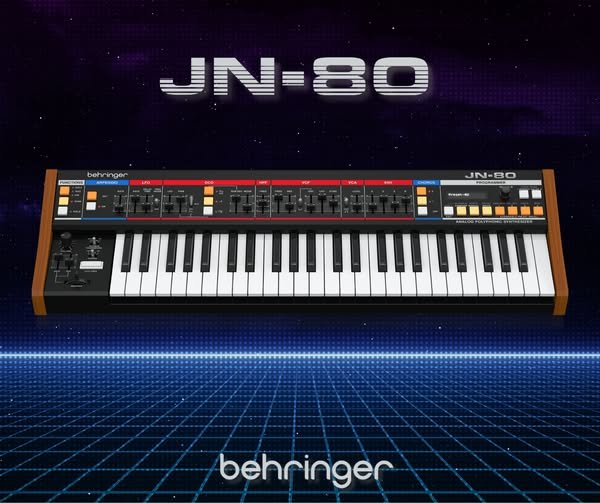 Behringer JN-80
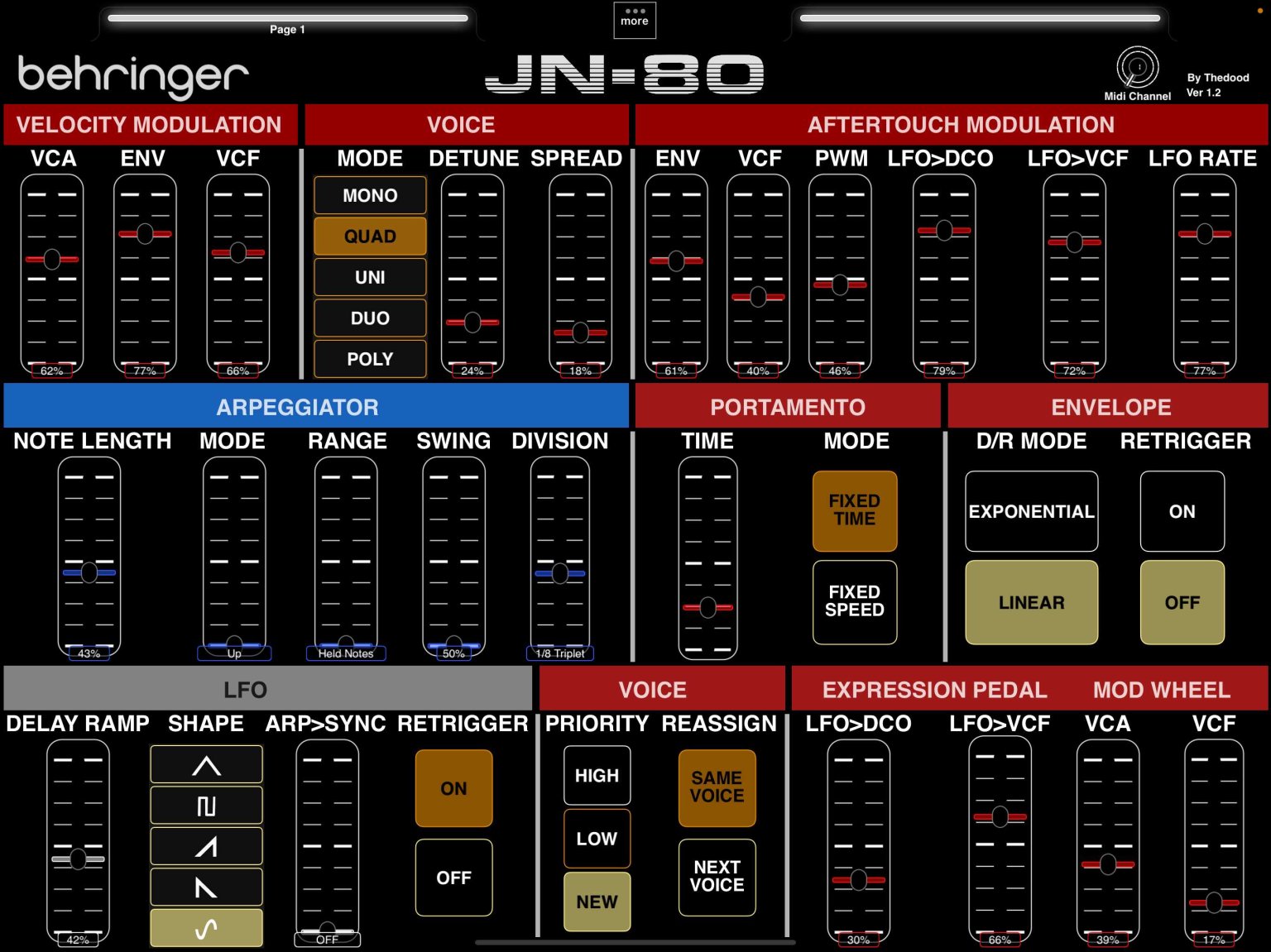 Main Screen


