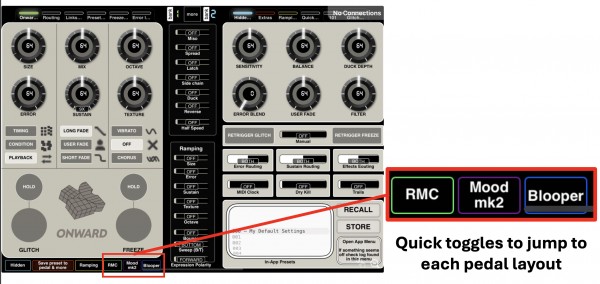
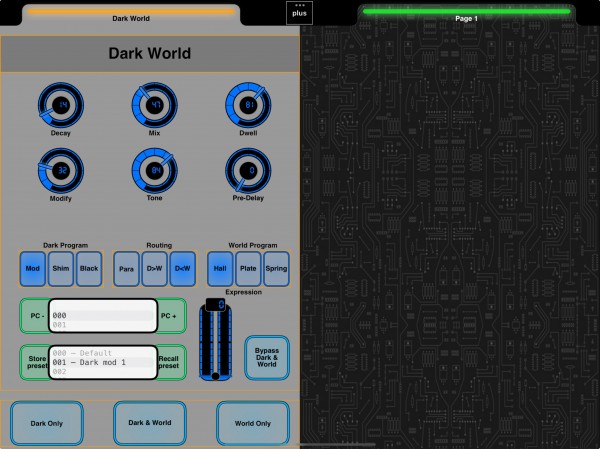
Control Chase Bliss pedals beautifully.
Turn your iPad, iPhone, or Mac into a custom control surface for Chase Bliss pedals. Download MIDI Designer Pro X, pull a community-made layout, and start shaping your Mood MKII, Thermae, Reverse Mode C, Blooper, or Onward through a polished touch interface.

Popular Chase Bliss layouts from the community.
Explore some of the most-downloaded Chase Bliss layouts for MIDI Designer Pro X.
From download to pedal control.
Download MIDI Designer Pro X, grab a Chase Bliss layout, connect your rig, and start controlling presets, parameters, and performance moves from one screen.
Download the app and grab a layout
Download MIDI Designer Pro X from the Apple App Store, then choose the Chase Bliss layout you want to use.
Connect
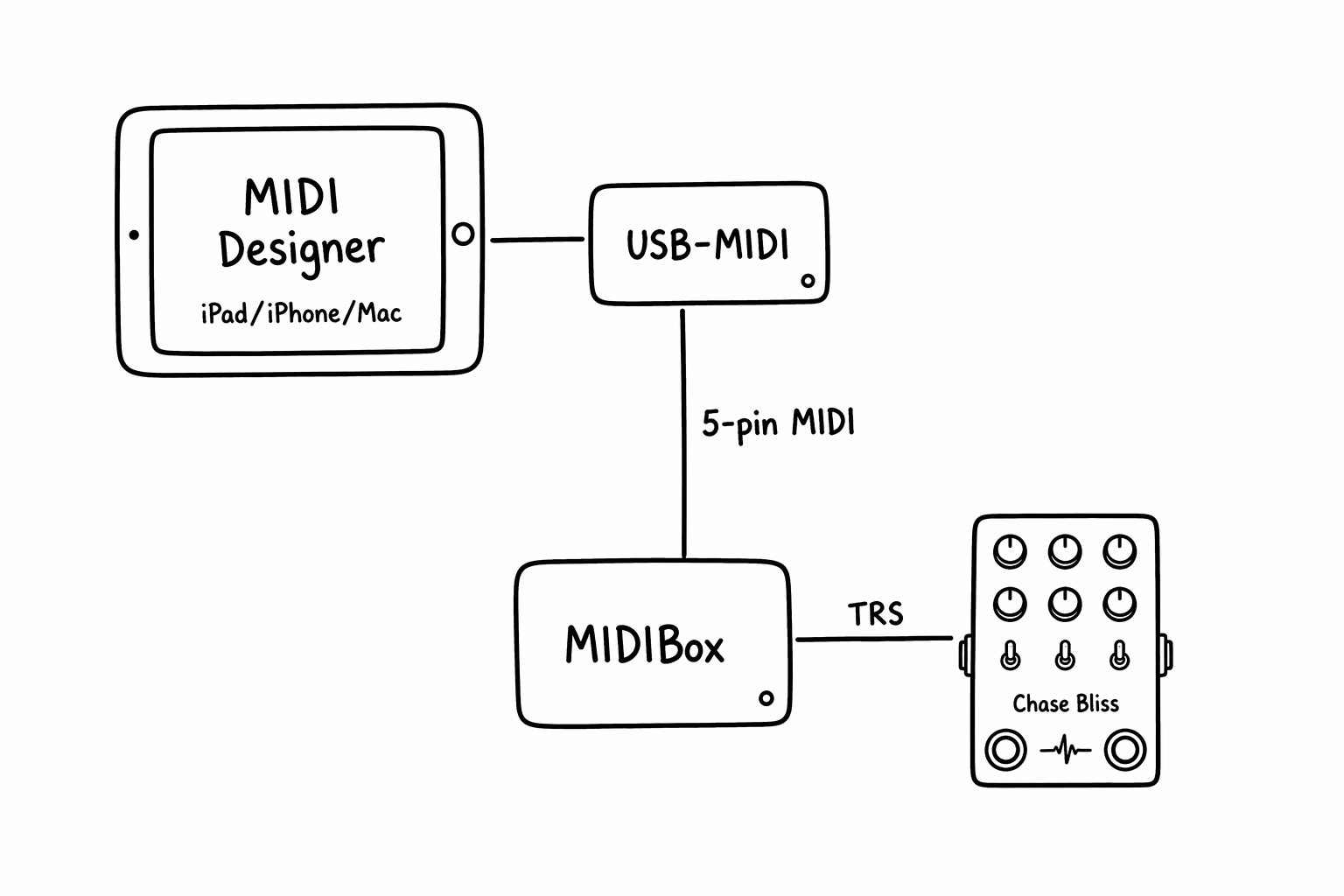
Route your Apple device through a USB MIDI interface and a Chase Bliss MIDIbox to the pedal.
Play
Load the layout into the app and start controlling presets, parameters, and performance moves.
See the rest of the Chase Bliss library.
Browse more Chase Bliss layouts for MIDI Designer Pro X, including additional pedals, alternate control styles, and community-made variations.